Disabling Wi-Fi on ISP-provided hardware can be notoriously difficult because the physical radios are often tied to multiple background services, not just your primary network.
If you need to guarantee absolute RF silence from a Verizon Fios router (like the G3100 or CR1000 series), simply toggling “Wi-Fi Off” in the basic settings is rarely enough. You have to address the mesh backhauls and ISP-level overrides.
Here is the documented, step-by-step technical process to shut the wireless radios down completely.
Phase 1: Local Firmware Configuration
First, you must disable the localized features that actively hijack the radio controls.
- Access the Admin Panel: Connect to the router via Ethernet. Open a browser and go to
192.168.1.1. Log in using the admin credentials printed on the router’s sticker. - Disable SON: Go to Advanced > Wi-Fi (or Wireless) > Advanced Wi-Fi Settings. You must turn off SON (Self-Organizing Network). If SON is left on, the router will frequently override your manual radio settings to attempt “band steering.”
- Kill the Primary Radios: Once SON is off, go into the basic Wireless settings and explicitly turn off the 2.4 GHz, 5 GHz, and (if on the CR1000) 6 GHz bands.
- Kill the Sub-Networks: Ensure that all Guest Networks and IoT Networks are explicitly toggled off.
Phase 2: The “Hidden Network” Override
This is where many users get caught. Even with the local radios disabled, you may scan the area with a Wi-Fi analyzer and still see a strong, hidden SSID broadcasting on the same MAC address as your router.
This happens for two documented reasons:
- Mesh Backhaul: Verizon routers reserve a hidden network strictly to communicate with Fios Extenders (like the E3200).
- Community Hotspots: Like Xfinity, Verizon has initiatives where residential gateways broadcast a public Wi-Fi network for other Verizon customers.
To disable this:
You usually cannot turn this off from the local 192.168.1.1 interface. You must log into your main My Verizon account online (via the Verizon website). Navigate to your Home Network / Internet settings, look for the “Public Wi-Fi” or “Home Hotspot” sharing feature, and opt out. Technical support can also provision this change remotely if the web portal fails to push the update to your router.
Phase 3: The Hardware Guarantee (The Nuclear Option)
If you require forensic certainty that your network is completely hardwired and not emitting RF, ISP-provided gateway firmware is inherently untrustworthy. Firmware updates pushed by Verizon in the middle of the night can, and frequently do, revert customized radio settings back to default.
If you do not have Verizon Fios TV Set-Top Boxes (which require the router’s coaxial MoCA connection for channel guide data), you do not need the Verizon router at all.
- Unplug the Verizon router.
- Run an Ethernet cable directly from your Fios ONT (Optical Network Terminal) into a dedicated, non-wireless wired router or firewall appliance (like an EdgeRouter, pfSense, or OPNsense box).
(Note: If you do have Fios TV boxes, you can still remove the Verizon router, but you will need to purchase a standalone MoCA adapter to inject internet back into your coaxial lines so your TV boxes maintain their data connection).
When analyzing cellular networks within a residential environment, the capabilities of 5G and the upcoming 6G standards are dictated by a strict rule of physics: as frequency increases to deliver higher speeds, the wavelength shrinks, drastically reducing its ability to penetrate physical obstacles.
Here is the technical breakdown of how speed, power, and radius behave for both generations inside a typical home.
5G in a Residence (Current State)
5G is not a single entity; it is split into two distinct frequency tiers that behave completely differently indoors.
1. Sub-6 GHz (Mid-Band / C-Band: 2.5 GHz – 3.5 GHz)
This is the workhorse of current residential 5G, particularly for Fixed Wireless Access (FWA) home internet.
- Typical Speed: 300 Mbps to 1 Gbps.
- Radius: A single outdoor cell tower can cover a radius of 1 to 3 miles. Indoors, a residential gateway broadcasting this signal operates similarly to a standard 5 GHz Wi-Fi router, covering 1,500 to 2,500 square feet.
- Power & Penetration: Excellent. These wavelengths easily penetrate standard wood-framed walls, drywall, and siding. However, heavy brick, metal roofing, or foil-backed insulation will cause significant signal attenuation.
2. mmWave (High-Band / FR2: 24 GHz – 39 GHz)
This is the ultra-fast variant of 5G, but it is severely handicapped by building materials.
- Typical Speed: 1 Gbps to 4+ Gbps.
- Radius: Strictly limited to line-of-sight. The effective indoor radius is roughly 30 to 50 feet from the transmitter.
- Power & Penetration: Abysmal. mmWave cannot penetrate solid objects. A standard solid-core door, a brick wall, or even modern Low-E (energy efficient) window glass will block the signal entirely. To utilize mmWave inside a home, you must mount an external directional antenna on the roof and route the connection inside via coaxial or Ethernet cable to a localized router.
6G in a Residence (Current 2026 Testing & 2030 Targets)
6G is currently in the late research and prototyping phase, targeting a commercial rollout around 2030. It relies heavily on exploiting even higher frequency bands to achieve massive throughput.
1. Upper Mid-Band (7 GHz – 24 GHz)
This tier is being heavily tested to bridge the gap between 5G’s reliable coverage and 6G’s extreme speeds.
- Typical Speed: Projected 1 Gbps to 5 Gbps.
- Radius: 100 to 300 meters from a micro-cell.
- Power & Penetration: It experiences significantly higher propagation loss than 5G Sub-6. It will penetrate exterior walls but struggles to pass through multiple interior walls, making whole-home coverage from a single centralized router difficult.
2. Sub-Terahertz (Sub-THz: 90 GHz – 300 GHz)
This is the frontier of 6G, designed for holographic communication, uncompressed 8K video streaming, and latency below 1 millisecond.
- Typical Speed: Target data rates of 10 Gbps up to 1 Tbps (Terabit per second).
- Radius: Extremely localized. Recent laboratory testing by companies like Samsung and LG demonstrates multi-gigabit speeds at 10 to 30 meters, strictly with line-of-sight.
- Power & Penetration: At terahertz frequencies, the physical RF energy is absorbed by oxygen and water vapor in the air itself. It has zero wall penetration.
The Architecture Shift for 6G Homes
Because 6G’s fastest speeds cannot pass through a drywall hallway, typical residential network topologies will have to change. You will not have a single gateway sitting in a closet. Instead, 6G indoor environments will rely on:
- Intelligent Reflecting Surfaces (IRS): Metamaterials seamlessly integrated into walls, mirrors, or blinds that act as passive relays, bouncing the fragile Sub-THz signals around corners and down hallways to maintain connection.
- Ultra-Dense Micro-Mesh: Wireless access points embedded in nearly every room (often integrated into smart lighting or power outlets) to ensure devices maintain uninterrupted line-of-sight.
Summary Comparison
| Network Band | Realistic Peak Speed | Indoor Penetration | Effective Indoor Radius |
|---|---|---|---|
| 5G (Sub-6 GHz) | 1 Gbps | High (Passes through walls) | Whole House |
| 5G (mmWave) | 4 Gbps | None (Blocked by glass/walls) | 30 – 50 feet (Line of Sight) |
| 6G (Upper Mid) | 5 Gbps | Moderate (1-2 walls maximum) | Single Floor / Zone |
| 6G (Sub-THz) | 100+ Gbps | Zero (Absorbed by atmosphere) | 10 – 30 meters (Line of Sight) |
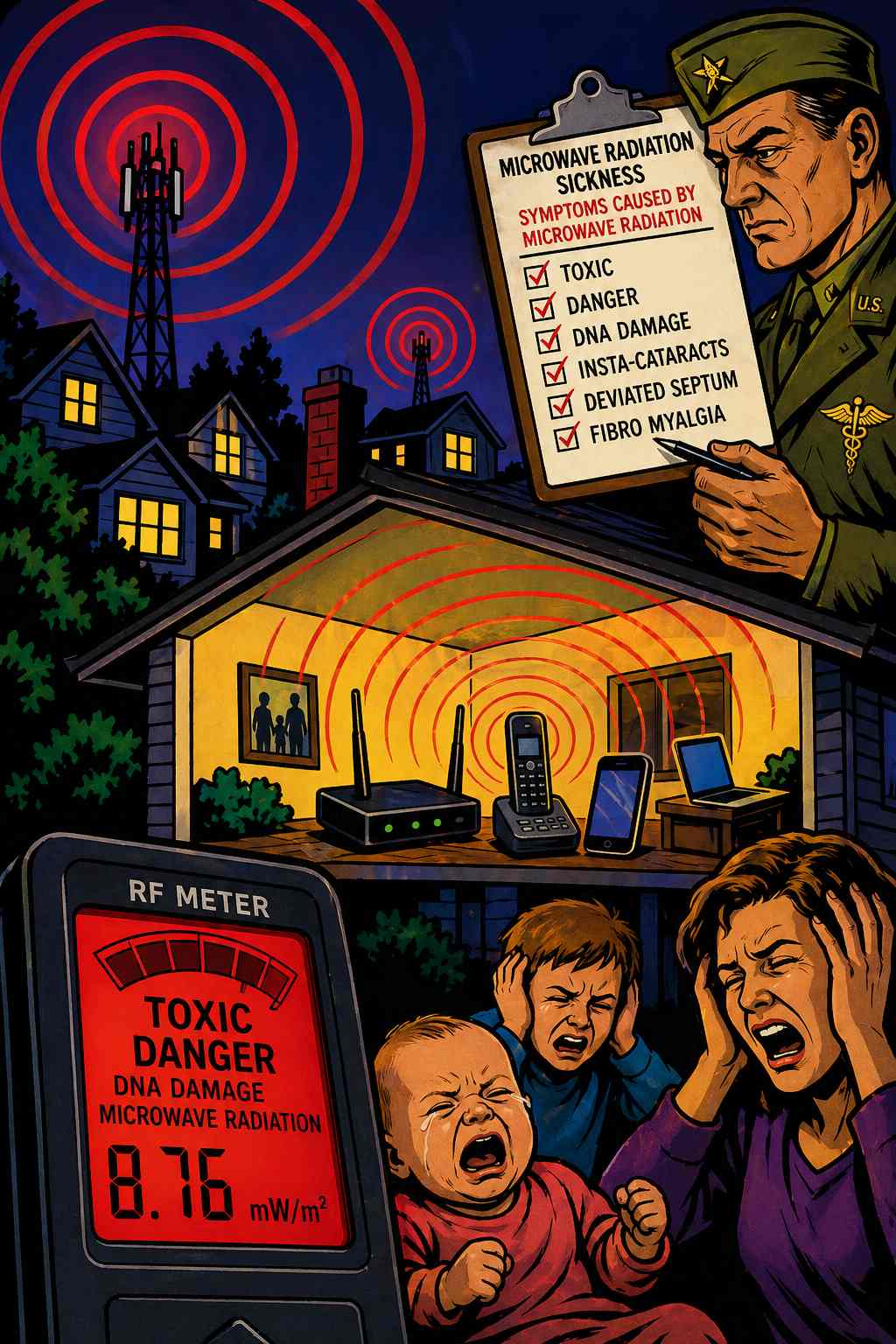
Info & Studies showing Toxicity
https://duckduckgo.com/?q=dr+magda+havas%2C+dr+devra+davis
If you are looking to lease a strictly non-radio, wired-only router directly from Verizon (or almost any consumer ISP today), the answer is no. ISPs have entirely abandoned wired-only consumer gateways in favor of “all-in-one” wireless mesh systems because that is what 99% of the market demands.
However, because you are on a fiber network, you are not trapped into using their equipment. Verizon Fios actually provides the easiest path to a true, radio-free network architecture.
Here is exactly how you replace their hardware with a strictly non-radio setup.
The Architecture: Bypassing the ISP Gateway
With Fios, the white box mounted on your wall or in your garage—the ONT (Optical Network Terminal)—acts as your modem. It converts the fiber optic light signal into a standard digital Ethernet handoff.
You can completely unplug the Verizon wireless router, hand it back to them to avoid rental fees, and plug a dedicated, wired-only router directly into the ONT’s Ethernet port.
The Non-Radio Hardware Alternatives
To achieve a completely dark RF footprint, you must step out of the consumer market and look at prosumer, enterprise, or bare-metal hardware. None of these devices contain Wi-Fi antennas or wireless radios.
1. Bare-Metal x86 Appliances (pfSense / OPNsense)
Given that these run on open-source, FreeBSD-based operating systems, this route offers absolute, granular control over your network traffic, firewall rules, and memory management.
- The Hardware: You can purchase fanless mini-PCs (similar in form factor to a Minisforum unit) equipped with multiple Intel 2.5GbE network interface cards (NICs). Brands like Protectli or Qotom specialize in these.
- The Software: You flash OPNsense or pfSense onto the drive. It acts as a highly secure, enterprise-grade wired router. There are zero hidden wireless backhauls.
2. Dedicated Prosumer Wired Routers
If you prefer a plug-and-play appliance with a standard graphical interface rather than building your own open-source router, several enterprise brands make strict wired-only units.
- Ubiquiti EdgeRouter Series: (e.g., EdgeRouter 4). Purely a wired routing appliance. Highly reliable, though the interface is geared toward network engineers.
- TP-Link Omada Series: (e.g., ER605 or ER7206). Inexpensive, highly reliable gigabit VPN routers with no wireless capabilities built-in.
- MikroTik: (e.g., hEX S). Extremely powerful and affordable wired routers, though they have a notoriously steep learning curve for configuration.
Addressing the Fios TV Problem (The MoCA Bridge)
There is one structural caveat. If you have Verizon Fios Set-Top boxes for television, they get their channel guide data and On-Demand video by pulling an IP address from the router over your home’s coaxial cables (MoCA).
If you remove the Verizon router and use a wired-only router, your internet will work perfectly, but your TV boxes will lose their data connection.
The Solution: You simply purchase a standalone MoCA 2.5 Ethernet-to-Coax Adapter (brands like goCoax or Actiontec make these).
- Plug one of your new wired router’s LAN ports into the MoCA adapter.
- Plug the MoCA adapter into the coaxial cable that goes into your wall.
- This injects your wired network data back into the coax lines so the TV boxes can see the internet, entirely bypassing the need for a Verizon-branded radio device.